
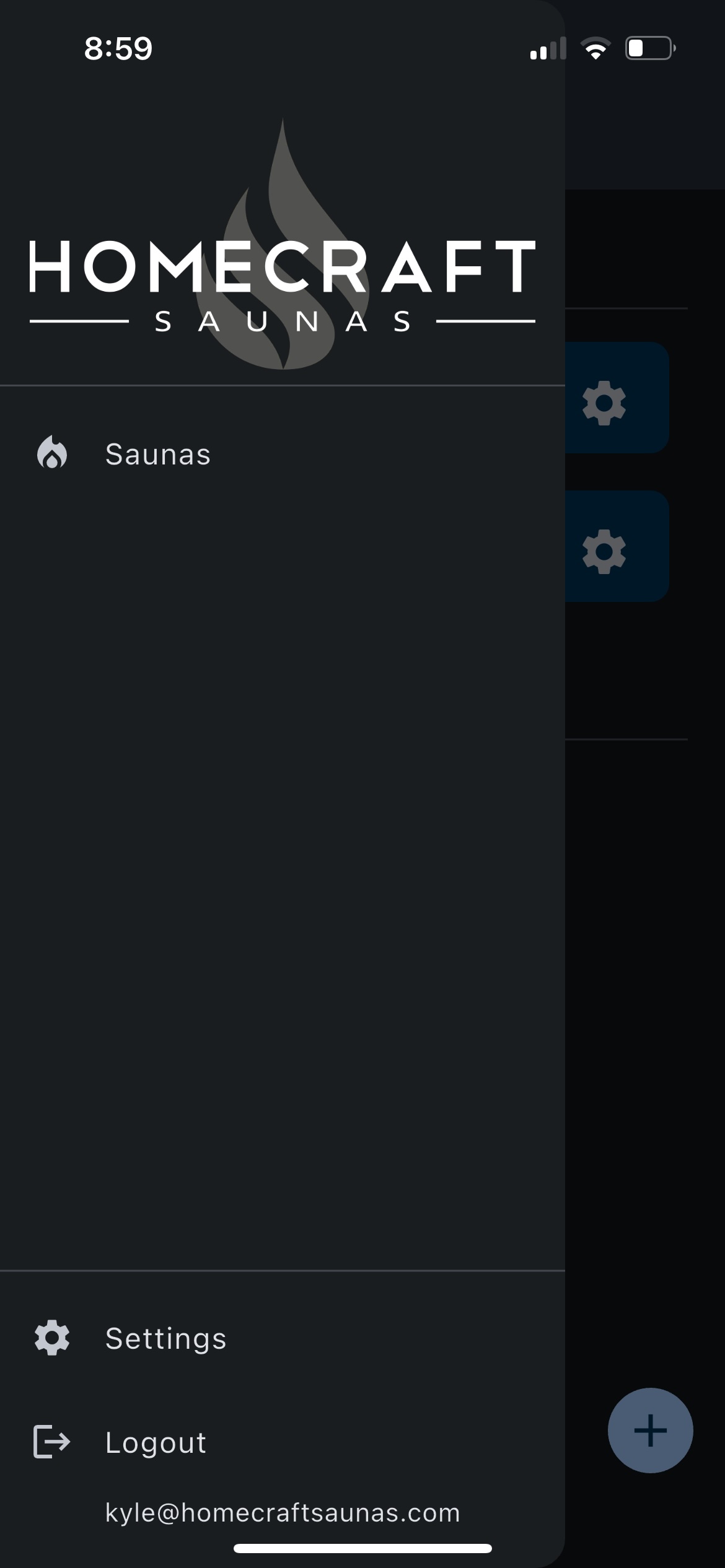
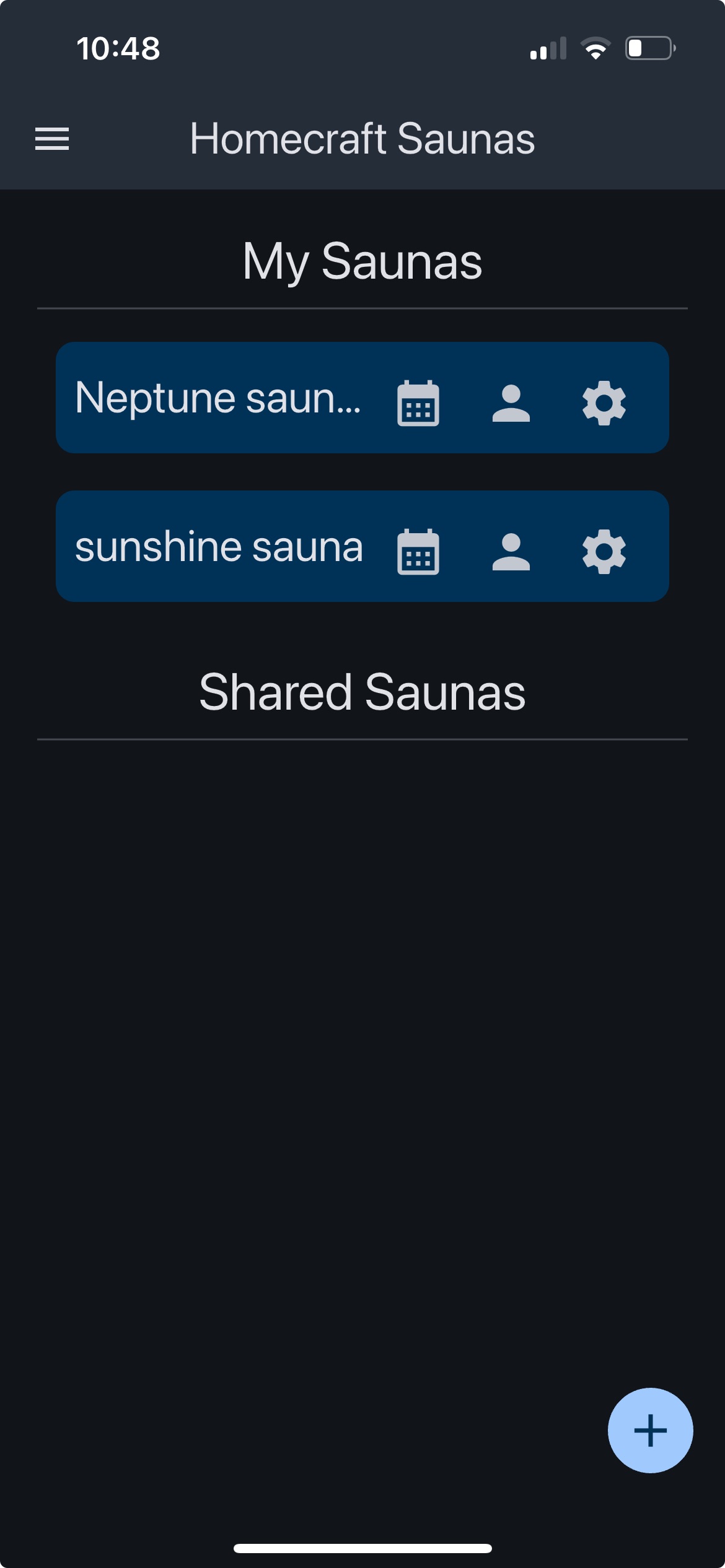
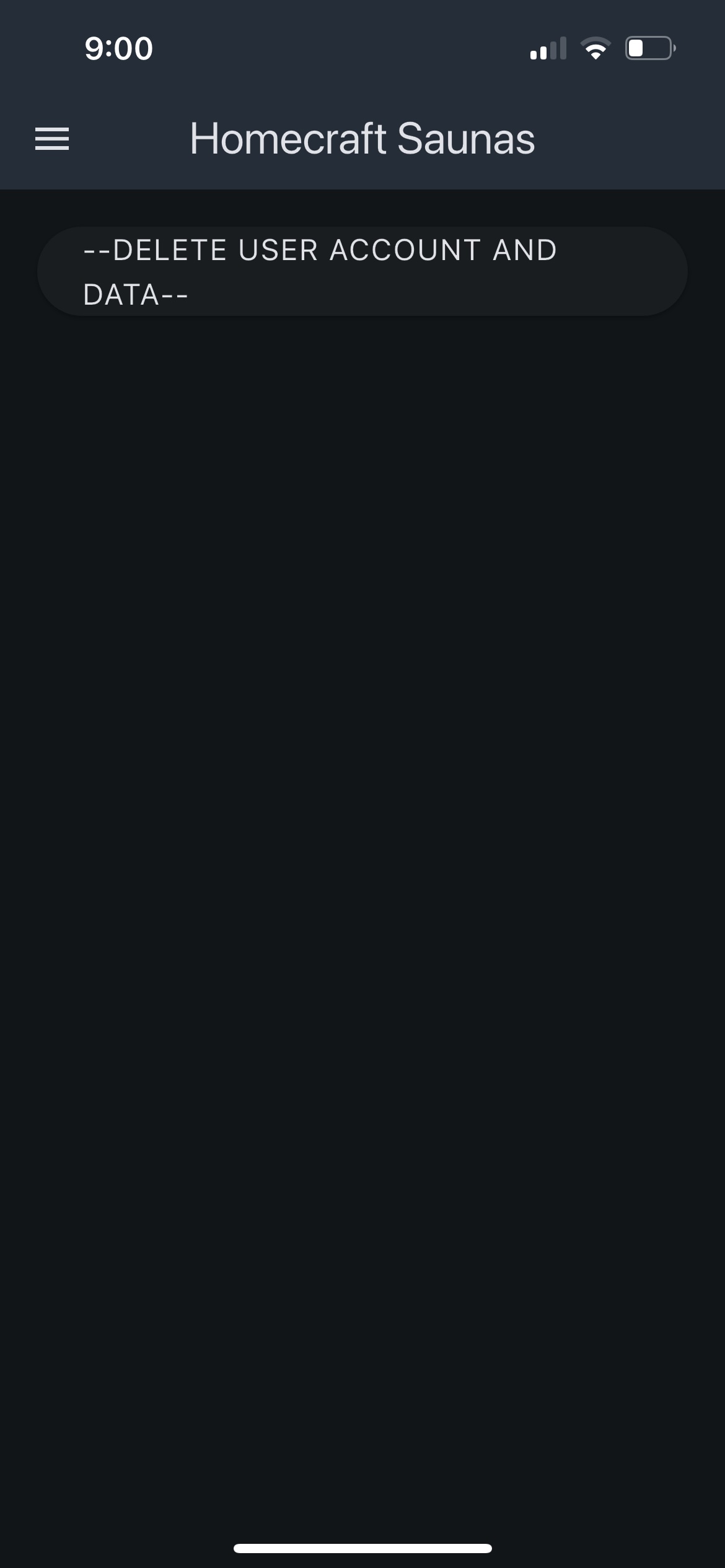
To delete your user data, open the Homecraft Saunas Wifi App and on the main side panel select the three horizontal lines located in the top-left corner of the screen. Then, click on the Settings option. Within the settings menu, select “Delete User Account & Data” to permanently remove your account and all associated information.
For further inquiries or assistance please contact sales@homecraftsaunas.com